

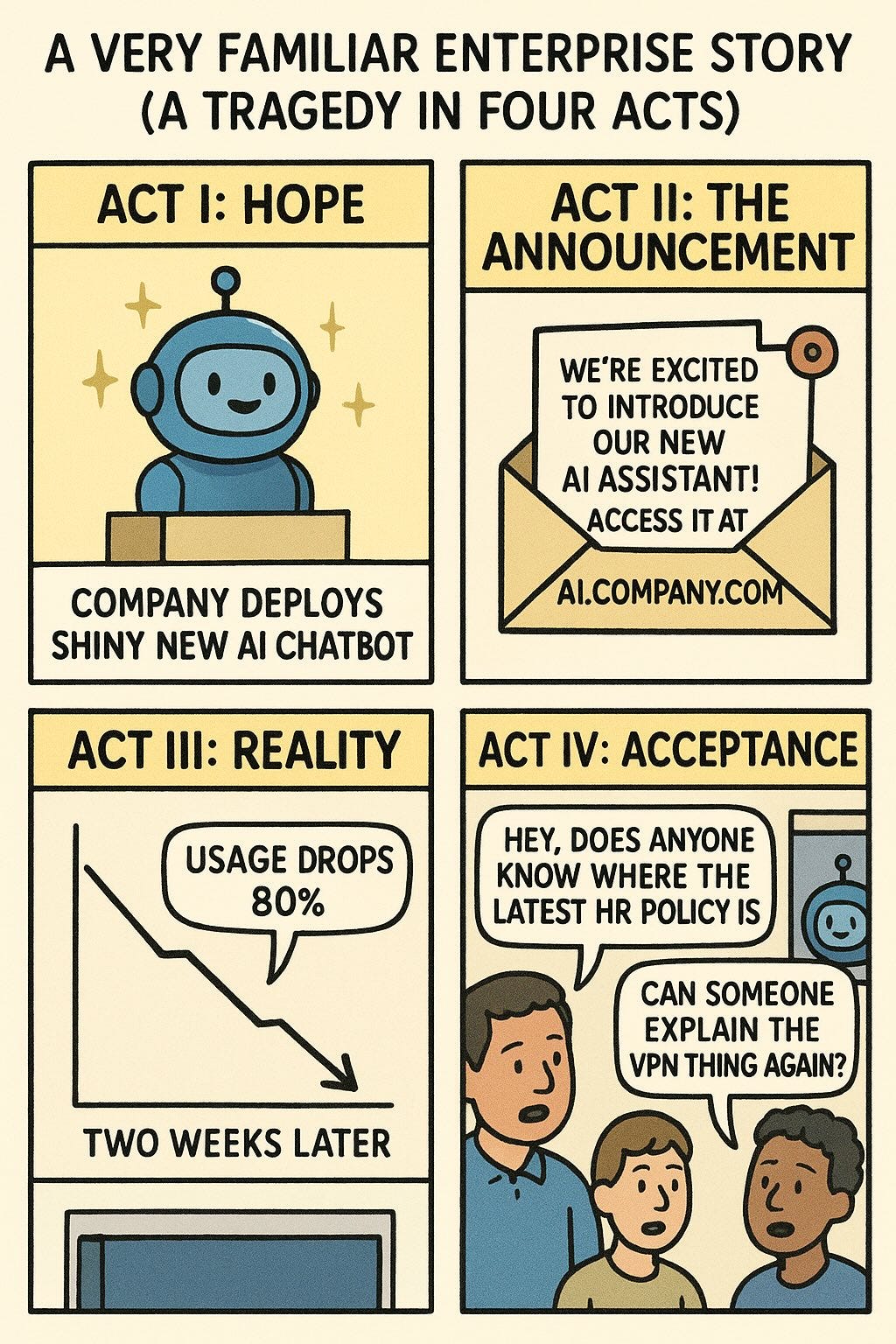
Most enterprise AI tools miss the obvious: your knowledge is already in SharePoint, and your conversations happen in Teams. Why build another interface?
Helix now integrates natively with both SharePoint and Microsoft Teams—letting you build AI agents that understand your company’s documents and respond directly in the chat tools your teams already use.
The Problem with Enterprise AI Silos
The friction of opening another tab, another tool, another interface kills adoption. Meanwhile, your SharePoint libraries hold thousands of documents that could answer those questions instantly—if only the AI could access them.
Helix supports SharePoint as a RAG Knowledge Source. It connects your document libraries directly to your AI agents’ knowledge bases using Microsoft Graph API. No manual file uploads, no sync scripts, no stale knowledge. The Teams integration completes the interaction loop with the human users, with web-hooks talking to agent’s streaming API endpoints which do RAG over SharePoint data.
How It Works

The SharePoint client handles the realities of enterprise deployments:
- Pagination: Automatically handles large document libraries with Microsoft Graph’s @odata.nextLink
- Recursive traversal: Walks subfolder trees when you need deep document scanning
- Extension filtering: Only index what matters—skip those 50MB PowerPoint template decks
- TLS flexibility: Optional certificate verification bypass for environments with internal Certificate Authorities (yes, we know about your proxy)!
Microsoft Teams: AI Where the Conversations Happen
The Teams integration takes a different approach—instead of pulling data *from* Microsoft, it pushes AI responses *into* Teams conversations.
When a user @mentions your bot:
1. Teams sends the message to Microsoft’s Bot Framework Service
2. Bot Framework POSTs to your Helix deployment’s webhook endpoint
3. Helix processes the message through your configured agent
4. Response routes back through Bot Framework to the Teams client
Conversation Threading
Helix maintains conversation context across message threads. When a user asks a follow-up question, Helix retrieves the existing session and continues the conversation—no “I don’t have context from before” nonsense.
Multi-Tenant Deployments
Here’s where it gets interesting for enterprises: the Azure Bot and Teams app can live in different tenants.
Your Azure Bot registration lives in your IT tenant with all its security controls. But you can deploy the Teams app manifest to a customer or partner tenant—Microsoft’s Bot Framework routes messages regardless of tenant boundaries.
This means:
- Managed Service Providers (MSPs) can build AI agents that serve multiple customer tenants
- Enterprises with multiple O365 tenants can centralise their AI infrastructure
Putting It Together: The Full Pattern
The real power comes from combining both integrations. Consider this scenario:
HR Policy Bot
SharePoint knowledge source indexes your HR policy documents from `https://corporate.sharepoint.com/sites/HR/Policies`
Teams bot installed in company-wide Teams
Employee asks in #general: “@PolicyBot what’s the parental leave policy for adoptions?”
Helix RAG retrieves relevant chunks from the indexed SharePoint documents
AI generates response with citations back to the source documents
Response appears in Teams thread—complete with links to the original SharePoint files
No portal. No context switching. Just answers where people already ask questions.
Security Considerations
Both integrations use OAuth-based authentication:
SharePoint: Uses Microsoft Graph API with
Sites.Read.AllandFiles.Read.AllscopesTeams: Bot Framework handles JWT validation on incoming webhooks
Credentials: App secrets stored encrypted in Helix’s database
Tenant restriction: Optional tenant ID filtering to lock down bot access
What’s Next
Enterprise AI shouldn’t require employees to learn new tools. It should meet them where they already work. With Helix’s Microsoft integrations, your AI agents live inside SharePoint and Teams—The integration runs in the background - employees just get faster answers.
Full setup guides are available in our documentation.
Psst - try Helix Code
If you're interested in AI-powered development tools, check out Helix Code - our upcoming platform for AI-assisted coding.